

99% of founders and creators ignore this email sequence.
Yet it’s the difference between one-time buyers and lifetime customers:
A Post-Purchase Sequence.
Let me show you how to build one.
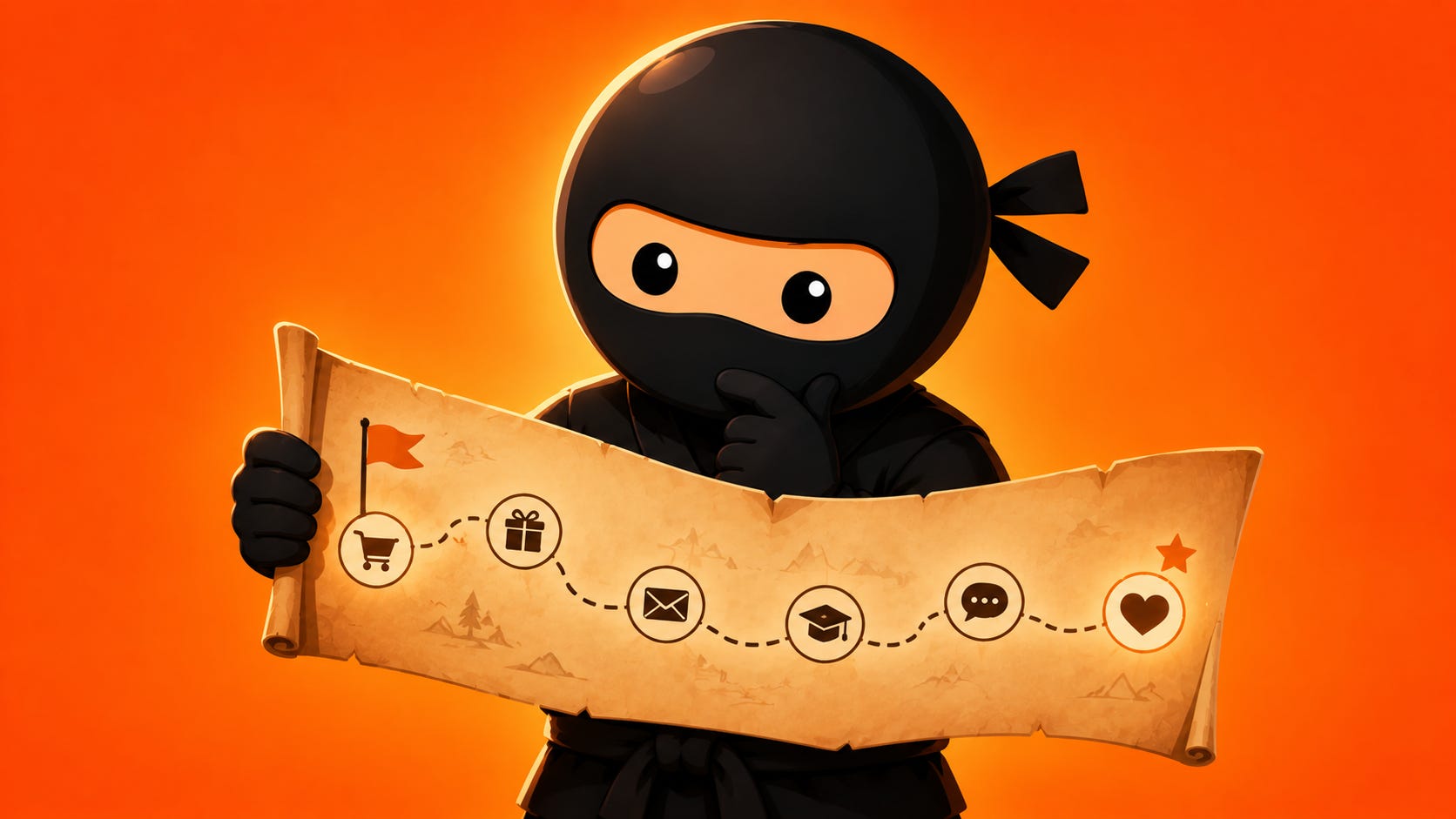
But first - let’s talk about why this matters
A lot of creators think their goal is to “sell their thing.”
But in reality, your goal is to help people solve a problem AND get a result so they’re happy they bought, give you a great testimonial, refer their friends, and ultimately buy your future offers too.
And sure, for that to happen, they need to buy first.
But after that, you don’t want to leave people on their own.
Instead, you want to support them (so they actually put what they learn into practice and get value from the product).
Insert: Your Post-Purchase Sequence.
Here’s how this sequence is structured.
Email 1: The “Warm Welcome” Email
When to send: Immediately after purchase
This is a logistical email.
The goal is to welcome them and walk them through everything they need to access the product.
Give them a warm welcome, clear instructions on how to get in, what to do first, and what to expect next.
Don’t overthink this one. Just make sure they can actually use what they paid for and all the instructions are clear & straightforward.
Email 2: The “Quick Follow Up” Email
When to send: 24 hours later
Check in and share tips to help them get the most out of the product.
This is also a great opportunity to remind them of key action steps before getting started.
A quick “How’s it going so far?” plus 2-3 tips goes a long way.
This email builds momentum and keeps them engaged early.
Email 3: The “Biggest Challenge” Email
When to send: 2-4 days later
Address the biggest obstacle people face when starting.
And walk them through how to overcome it.
Name the challenge.
Normalize it. (”This is super common...”)
Then show them how to push through.
This is where you prevent drop-off.
Most people quit when they hit friction. This email helps them keep going.
Email 4: The “Underrated Feature” Email
When to send: 2-4 days later
Highlight a feature people might overlook, but is actually very valuable.
Call out something specific they might have missed, explain why it matters, and show them how to use it.
Bonus points if you can tie it to a quick win.
This email drives deeper engagement and helps people get more value from what they already bought.
Email 5: The “Check In Survey” Email
When to send: 2-4 days later
Ask for feedback.
That way, you can make sure they’re getting value plus get feedback to improve the product over time.
Keep the survey short (3-5 questions max) and explain why their feedback matters.
Pro tip: Offer an incentive to boost responses. A discount, a bonus resource, or entry into a giveaway - these can all work well.
Email 6: The “Bridge” Email
When to send: 5-7 days later
Introduce another product that helps with the next problem they’ll face.
So you can bridge the gap between where they are and where they want to go next.
Acknowledge where they are now (they’ve made progress!), name the next challenge they’ll likely face, and introduce your follow-on product as the solution.
No hard sell. Just an invitation.
Important: We only send this email if we have a relevant follow-on product. Don’t pitch something that doesn’t make sense.
The Big Picture
As you can see, this sequence isn’t complicated.
But if done right, it can have a HUGE impact on your business.
Fewer refunds because people actually use what they bought.
More testimonials because people get results. More referrals because happy customers talk.
And higher lifetime value because they buy again.
Most creators stop communicating after the sale.
Don’t be most creators.
Now, as usual, I’ve put together an AI prompt to help you implement this strategy in a fraction of the time.
The Post-Purchase Sequence Prompt
To get started, copy and paste this prompt into your favorite AI tool, then answer all the questions it’ll automatically ask you & watch your AI draft your entire sequence in a few minutes.
Then you can edit and finesse as needed:
