

Everyone talks about using personalization in their emails.
But almost no one bothers to actually do it.
Beyond the usual “Hi [name],” of course.
And I get why.
Real personalization feels complicated. You need data. You need segments. You need to write multiple versions of your emails. It sounds like a lot of work.
But it doesn’t have to be.
Let me show you a simple way to start using personalization to actually make your launch emails more effective (and how to use AI to make this happen even faster).
The Pre-Launch Segmentation Survey
Before your next product launch goes live, ask people to fill out a 3-question survey once they join the waitlist.
We use this on every launch.
Here’s how it works.
People opt into the waitlist through a landing page.
Right after, they land on a thank-you page with a quick 3-question survey.
We push that data into our email tool (we use Kit) and personalize sections of our launch emails based on their answers using dynamic content.
The key insight here is that your Thank You page is prime real estate. People just took an action.
They’re engaged.
That’s the perfect moment to ask a few quick questions.
Now, let’s talk about the survey.
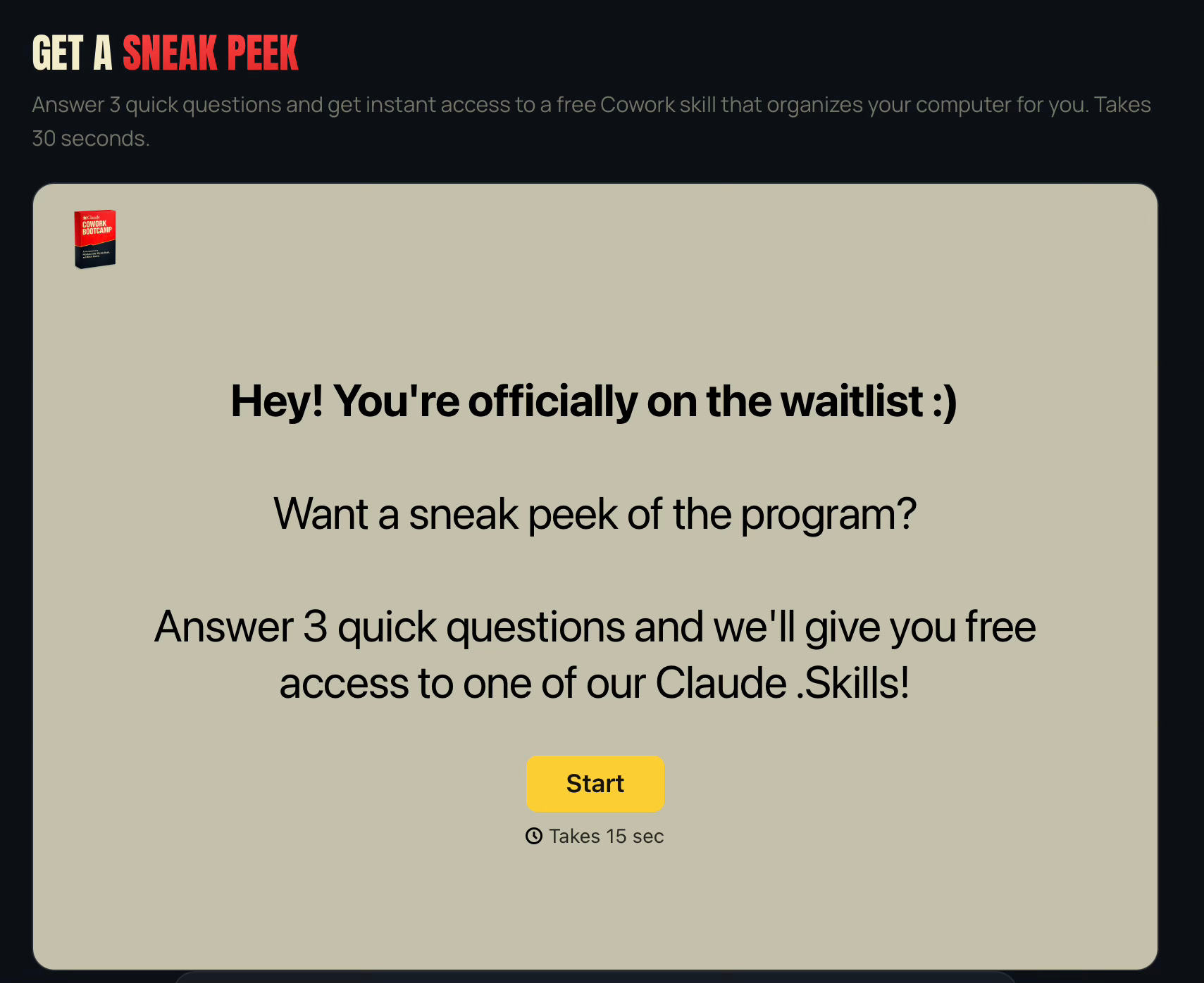
How We Structure The Survey
We like to keep our surveys super simple:
3 questions
All multiple choice
Takes 30 seconds total
Now, there are 3 very specific things we’re trying to learn through this survey:
1/ Their archetype.
The “who are you” question.
Are they a business owner or are they employed? Beginner or advanced? Solopreneur or running a team?
The same product solves different problems for different people.
Knowing their archetype lets you speak to their specific situation.
2/ Their biggest pain point.
The “what’s broken” question. What’s frustrating them? What’s keeping them stuck?
When you know their #1 pain point, you can lead with it in your emails. “I know you’re struggling with X.”
Immediately you have their attention because you’re describing their exact situation.
3/ Their biggest goal.
Lastly, the “where do you want to go” question.
What outcome are they chasing? What does success look like?
When you know their goal, you can connect your product to the outcome they actually care about, not the outcome you assume they care about.
This is the 80/20 of email personalization.
How We Used This In A Recent Launch
For our Claude Cowork Bootcamp launch, the survey asked exactly these 3 questions:
Which of these best describes you? (archetype)
What’s your biggest goal when it comes to AI? (goal)
What’s your biggest challenge when it comes to AI? (pain point)
Using the responses, we added dynamic content to the opening paragraph and CTA section of each email.
So if someone said they were a solopreneur whose biggest challenge was “not knowing where to start,” their email opened acknowledging that exact situation.
Everyone got the same email - but with a slightly different version of certain sections.
And this was all possible because of those 3 questions on our Thank You page.
How To Set This Up
Here’s a quick checklist:
1/ Create the survey. Use Typeform, Tally, or Google Forms. Keep it to 3 questions. Make them multiple choice so the data is clean.
2/ Connect it to your email tool. Push the answers to custom fields on each subscriber’s profile using a tool like Zapier.
3/ Write emails with conditional content blocks. “If archetype equals X, show this paragraph. If archetype equals Y, show this other paragraph.” (Most email marketing tools allow you to do this.)
4/ Focus on high-leverage sections. Don’t personalize everything. Just the opening and the CTA section. That’s enough.5/ Test before you launch. Make sure the right content shows for the right answers.
Now, as promised, here’s a prompt to help you execute this strategy in a fraction of the time:
The Prompt
This prompt will help you handle a LOT of the heavy lifting:
Brainstorm the questions for your survey
Draft the copy for your Thank You page
Set up all the tech based on your specific ESP
Write personalization snippets for each archetype
Just copy/paste it into your favorite AI tool, answer a couple questions, and watch it get to work.
